League Portal overview
See how League Portal brings competition design, scheduling, scorekeeping, standings, and season administration together.
Run the season in one place
League Portal connects the administrative work behind a season with the information captains and players need. Managers configure the competition, organize people and court time, publish schedules, collect results, and keep everyone informed from the same season workspace.


Choose how the competition works
Choose a matchmaking and ranking system that fits the league, then tune its scoring, rematch, scheduling, tier, or rating parameters. League Portal uses those choices and season history to propose the next round without taking final control away from the manager.


- Use Balanced round robin to distribute opponents and match opportunities evenly.
- Use Tiered ladder to group similarly placed teams and calculate movement between tiers.
- Use the Elo rating system for rating-based matchmaking and rankings.
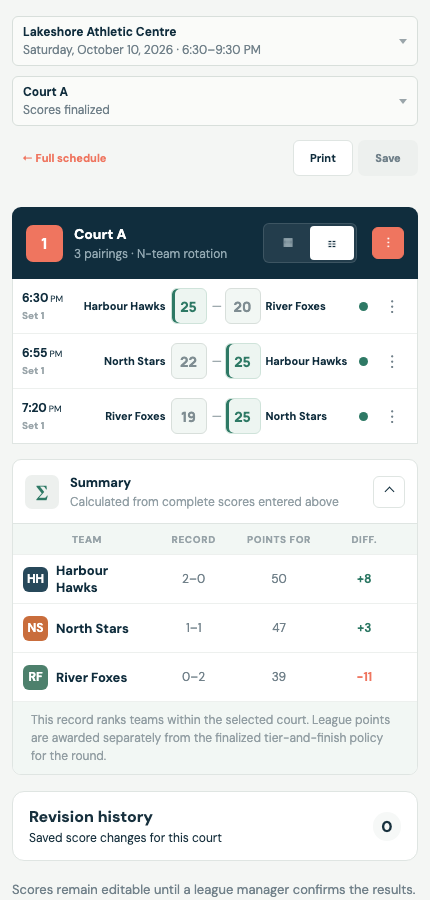
- Choose N-team rotation or Full matches to determine how booked court time becomes match slots.
- Generate and manage rounds, including participation, byes, draft review, publication, and finalization.
Organize teams and court time
Create teams and manage rosters, captains, substitutes, invitations, notes, and player availability. Record court bookings with venues, reservation status, individual courts, notes, and assigned responsibilities.


Publish schedules and record scores
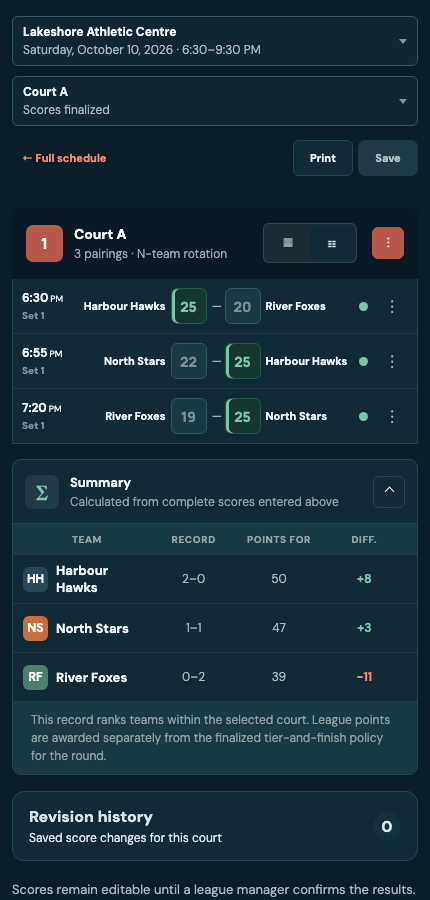
Use the schedule editor to allocate courts, adjust times and matchups, assign referees, and validate conflicts before publication. During play, authorized managers, captains, or players can enter scores with match and set notes, forfeits, revision history, and safeguards against conflicting edits.
Follow results and run tournaments
Review standings and rankings calculated from completed results, including historical round views and explicit adjustments. When the regular season leads to playoffs, create and manage single- or double-elimination tournaments with seeding, brackets, court schedules, referees, and set-by-set results.


Control access and administration
- Use Organization settings for the organization profile, administrators, billing, storage, exports, and deletion controls.
- Use Season settings for competition rules, scheduling format, score-entry access, responsibilities, participants, documents, and the official time zone.
- Use People and invitations to grant deliberate organization, season, and team access.
- Share announcements and notifications, assign responsibilities, and keep official documents and rules accessible.